
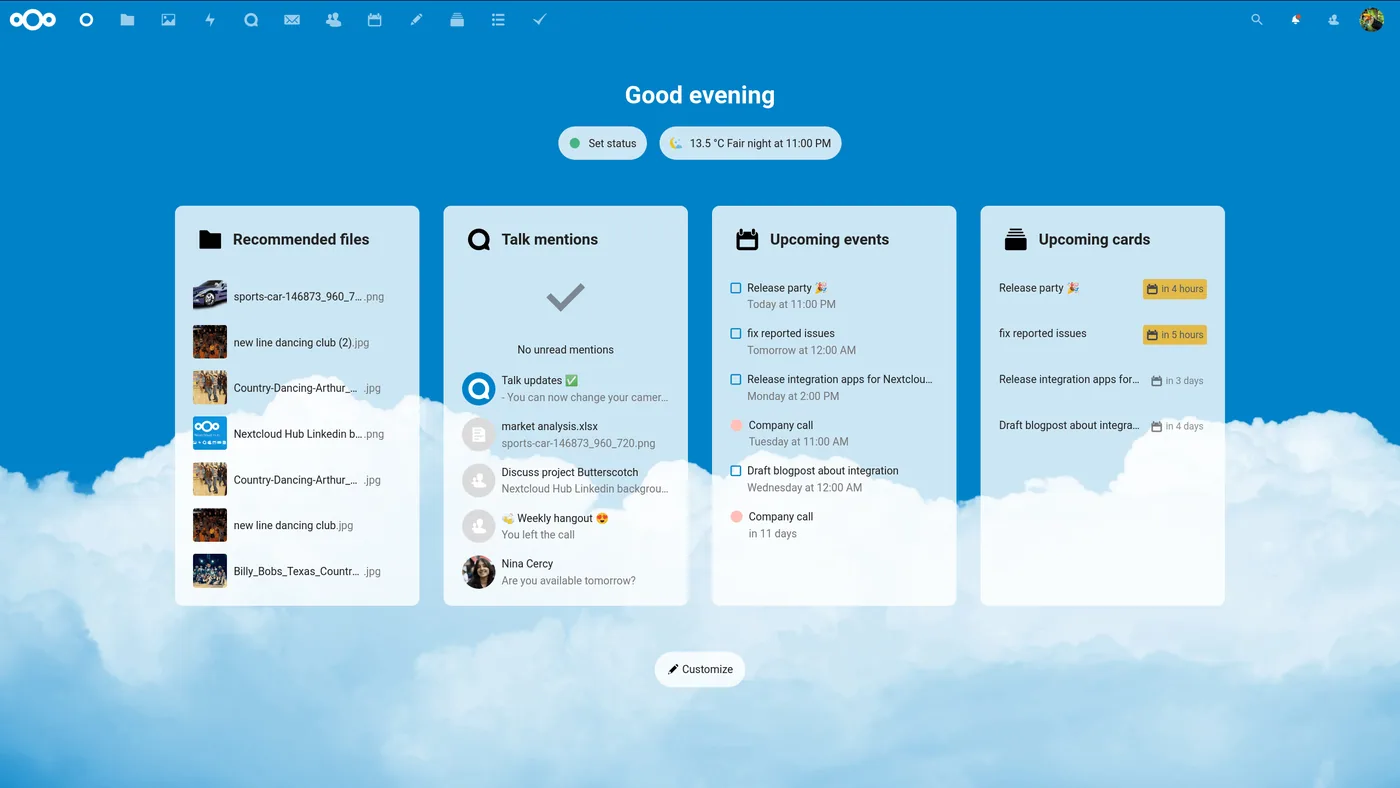
Nextcloud is a free file hosting and collaboration platform. Originally reachable through WebDAV, any web browser, or dedicated clients, its open architecture has allowed its features to grow well beyond their beginnings.
Prerequisites
1. Installing Apache2
sudo apt update
sudo apt install apache2
2. Installing PHP on Linux and Debian
sudo apt install php3. Installing the php dependencies
sudo apt install imagemagick php-imagick libapache2-mod-php php-common php-mysql php-fpm php-gd php-curl php-zip php-xml php-mbstring php-bz2 php-intl php-bcmath php-gmpRestarting apache so that the PHP extensions are taken into account
sudo systemctl restart apache24. Installing a MySQL server: MariaDB
sudo apt install mariadb-serverTo connect to mysql as the root user you can use the command
sudo mysql5. Creating the database:
create database nextcloud;
create user nextclouduser@localhost identified by 'votre-mot-de-passe';
grant all privileges on nextcloud.* to nextclouduser@localhost identified by 'votre-mot-de-passe';
flush privileges;

exit;
Downloading Nextcloud from the official repository
wget https://download.nextcloud.com/server/releases/latest-24.zipOnce downloaded, the archive must be extracted with unzip.
sudo apt install unzip

sudo unzip latest-24.zip -d /var/www/html
So that the Apache web server can write in the directory, the owner of the directory must be changed to www-data.
sudo chown -R www-data:www-data /var/www/html/nextcloud/Access and installation through the web interface
Access nextcloud with your http://votre-adresse-IP/nextcloud in a browser
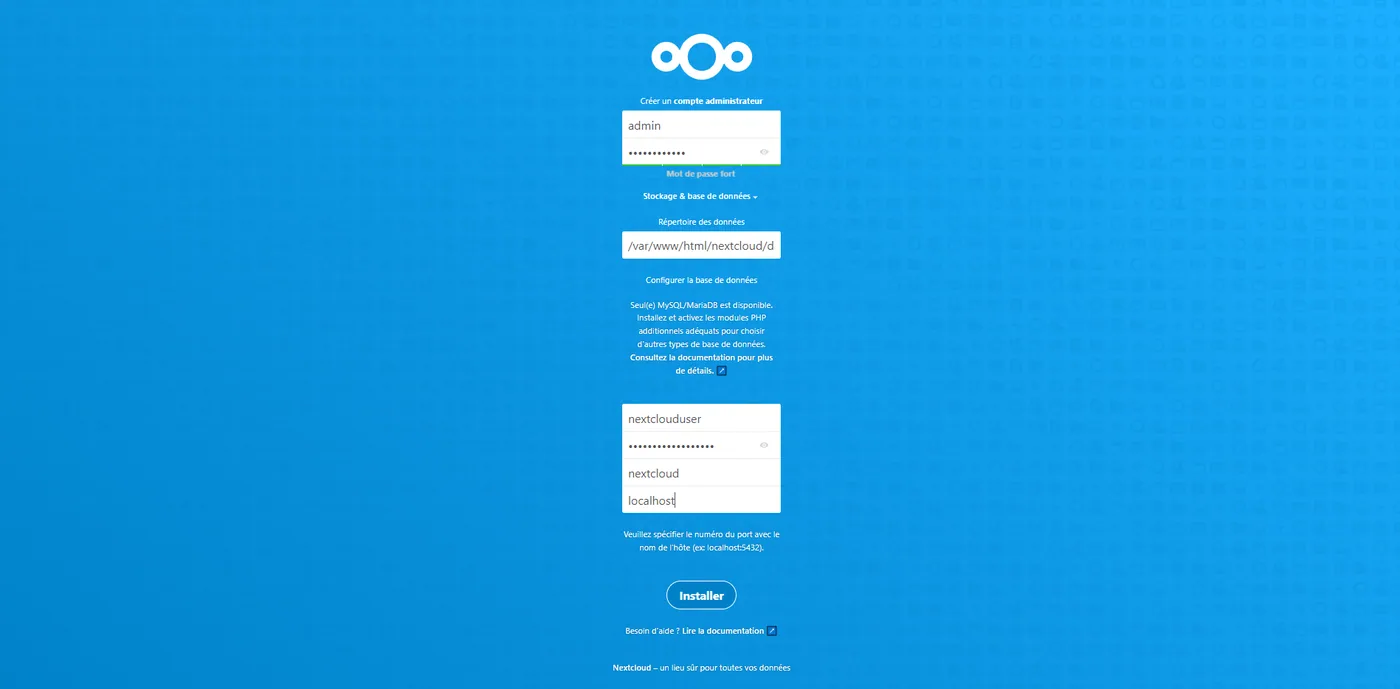
Enter the credentials that suit you best for the Administrator account you are going to create.
The database information must be entered according to what you used when creating it. In this guide we have:
User: nextclouduser
Database name: nextcloud
Password: votre-mot-de-passe
---------------------------------------------
Creating a virtual host
To be done if you have a domain name!
nano /etc/apache2/sites-available/nextcloud.conf<VirtualHost *:80>
DocumentRoot "/var/www/nextcloud"
ServerName nextcloud.domaine.com
ErrorLog ${APACHE_LOG_DIR}/nextcloud.error
CustomLog ${APACHE_LOG_DIR}/nextcloud.access combined
<Directory /var/www/nextcloud/>
Require all granted
Options FollowSymlinks MultiViews
AllowOverride All
<IfModule mod_dav.c>
Dav off
</IfModule>
SetEnv HOME /var/www/nextcloud
SetEnv HTTP_HOME /var/www/nextcloud
Satisfy Any
</Directory>
</VirtualHost>a2ensite nextcloud.confsystemctl reload apache2More coming very soon