
In a context where cybersecurity is becoming a matter of key interest, we offer a rundown of the solutions compatible with Nextcloud.
Keepass
Keepass is an open source password vault with a long list of features whose effectiveness no longer needs to be proven. The files are stored in a database encrypted using the best and most secure encryption algorithms currently known (AES-256, ChaCha20, and Twofish). For more information, see the features page.
Integrating your Keepass into Nextcloud can be done through Keeweb.
Passwords vs Passman
Passman
Passman is the oldest password manager on Nextcloud. It is quite complete and has received many contributions, and the ability to share passwords is very cool!
- Multiple accounts
- Several vaults
- The vault key is never sent to the server
- Credentials are stored with AES 256-bit
- Ability to add custom fields to the credentials
- Built-in OTP (One Time Password) generator
- Password analyzer
- Share passwords internally and through a link securely
- Import from various password managers:KeePass, LastPass, DashLane, ZOHO, Clipperz.is
- KeePass, LastPass, DashLane, ZOHO, Clipperz.is
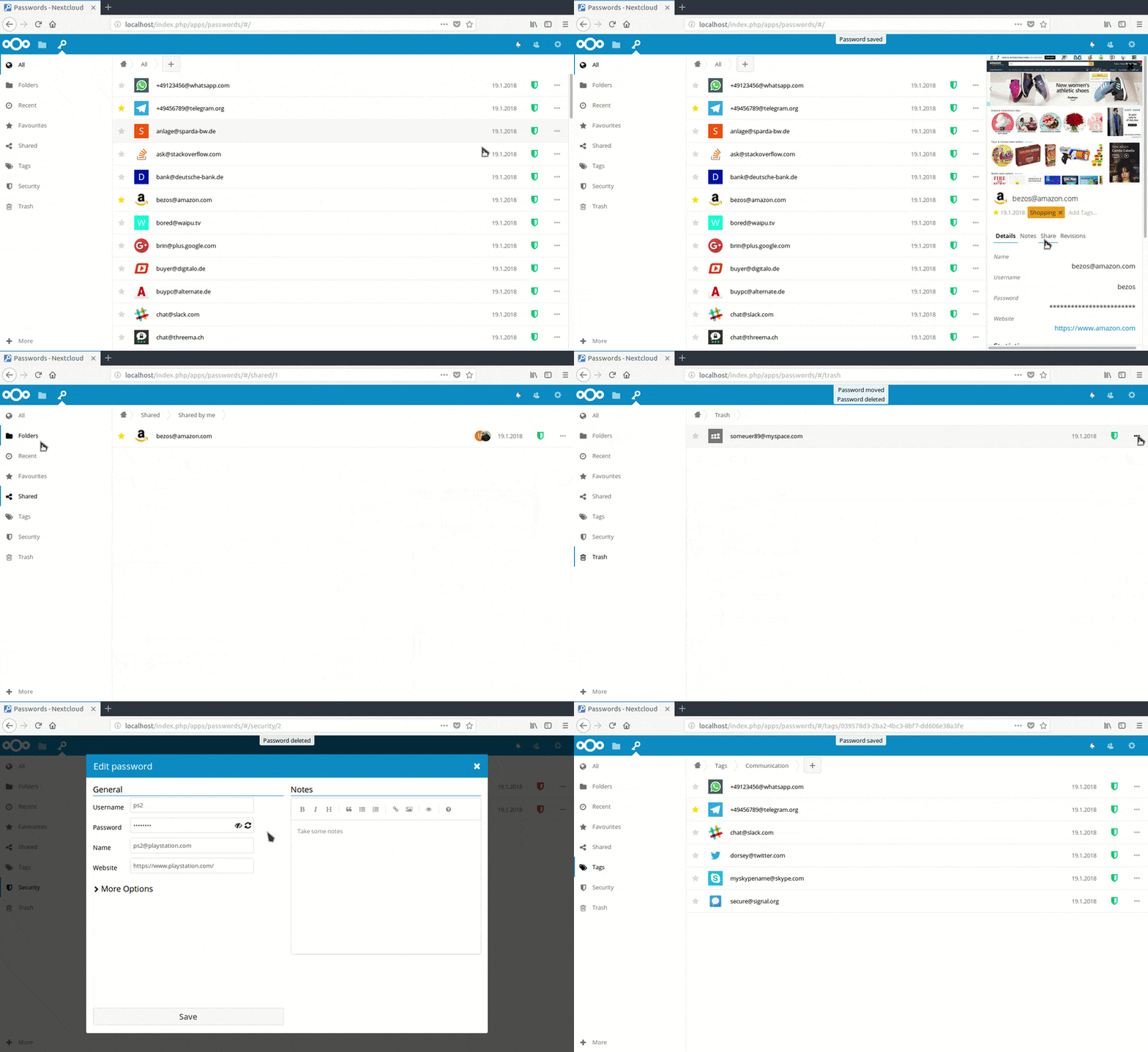
Passwords
Passwords is also a native application on Nextcloud, updated regularly and with active discussions and forums. Its feature list is a little shorter than Passman's and includes:
- Password security manager
- Secure encryption
- Folders and tags
- Sharing
- API for applications
- Complete manual
- Imports / Exports
- Browser extensions
There is a well-maintained Android application; iOS integration is unfortunately still missing.
Coming soon to your server...
To be continued....