
This guide covers the installation of the Windows Server operating system. It applies to the 2022, 2019, 2016, 2012 and 2008 versions, because the steps are always similar.
Requirements:
- Creating the virtual machine
VMware Workstation guide - Creating a virtual machine | Awoui
- Obtaining the ISO image
ISO images - Windows Server | Awoui
Installation:
At startup you must be quick and press any key on the keyboard to boot from the installation drive. If you were not able to press a key in time, you can restart the machine and repeat the operation.

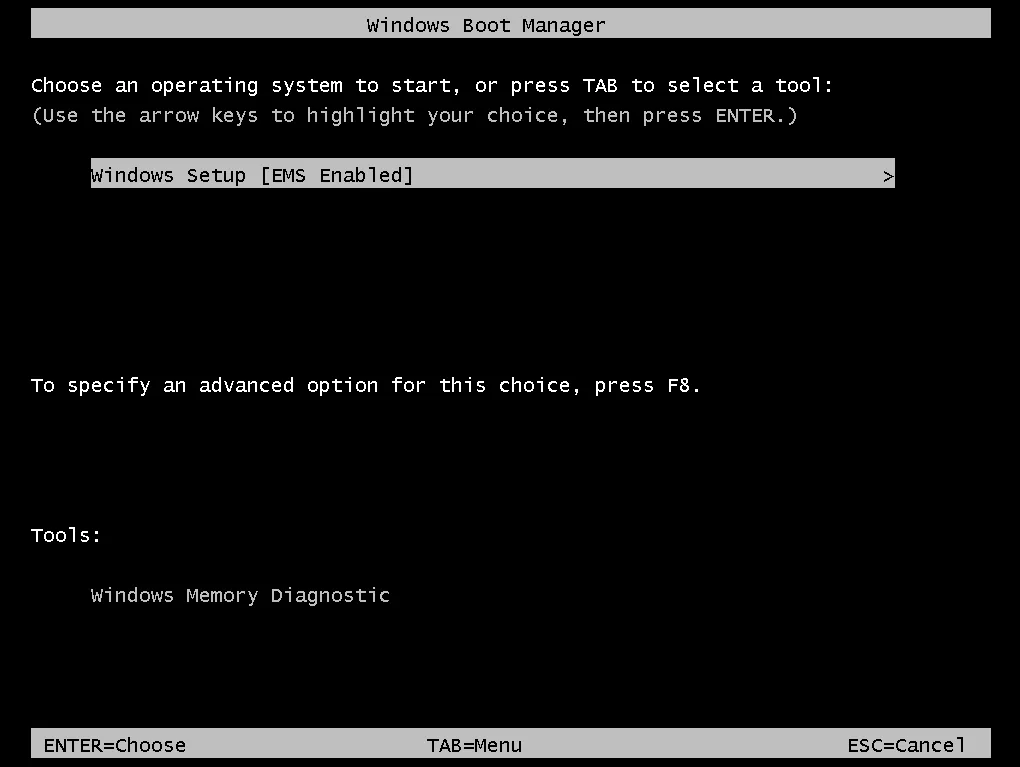
Now press Enter to start the installation wizard.
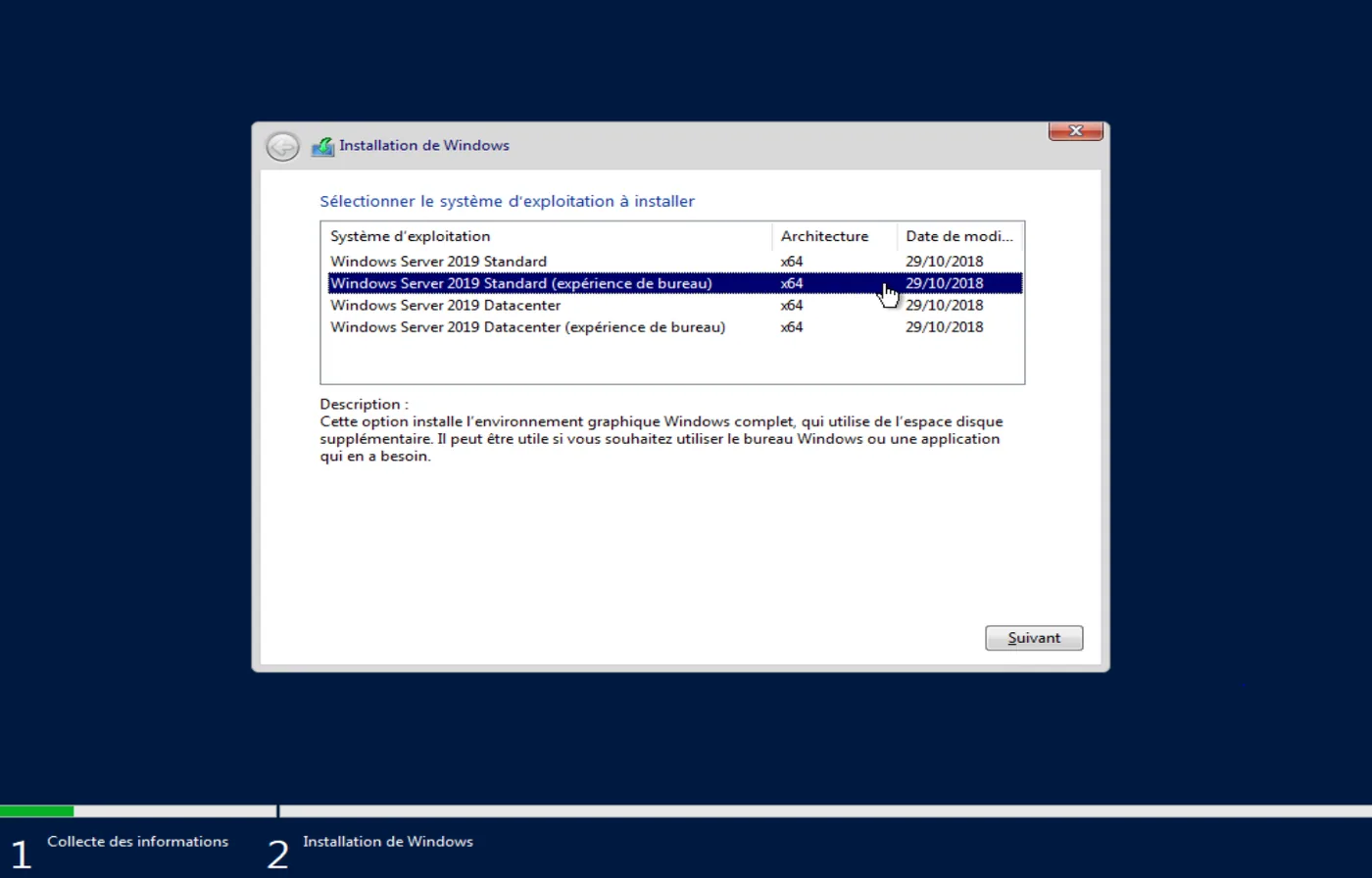
IMPORTANT: Select an edition with "(Desktop Experience)", otherwise you will not have access to the graphical menus. The version without a graphical interface is called the core version and it requires you to work with commands. It therefore calls for prior experience.
For a first use, we recommend selecting Windows Server Standard (Desktop Experience).
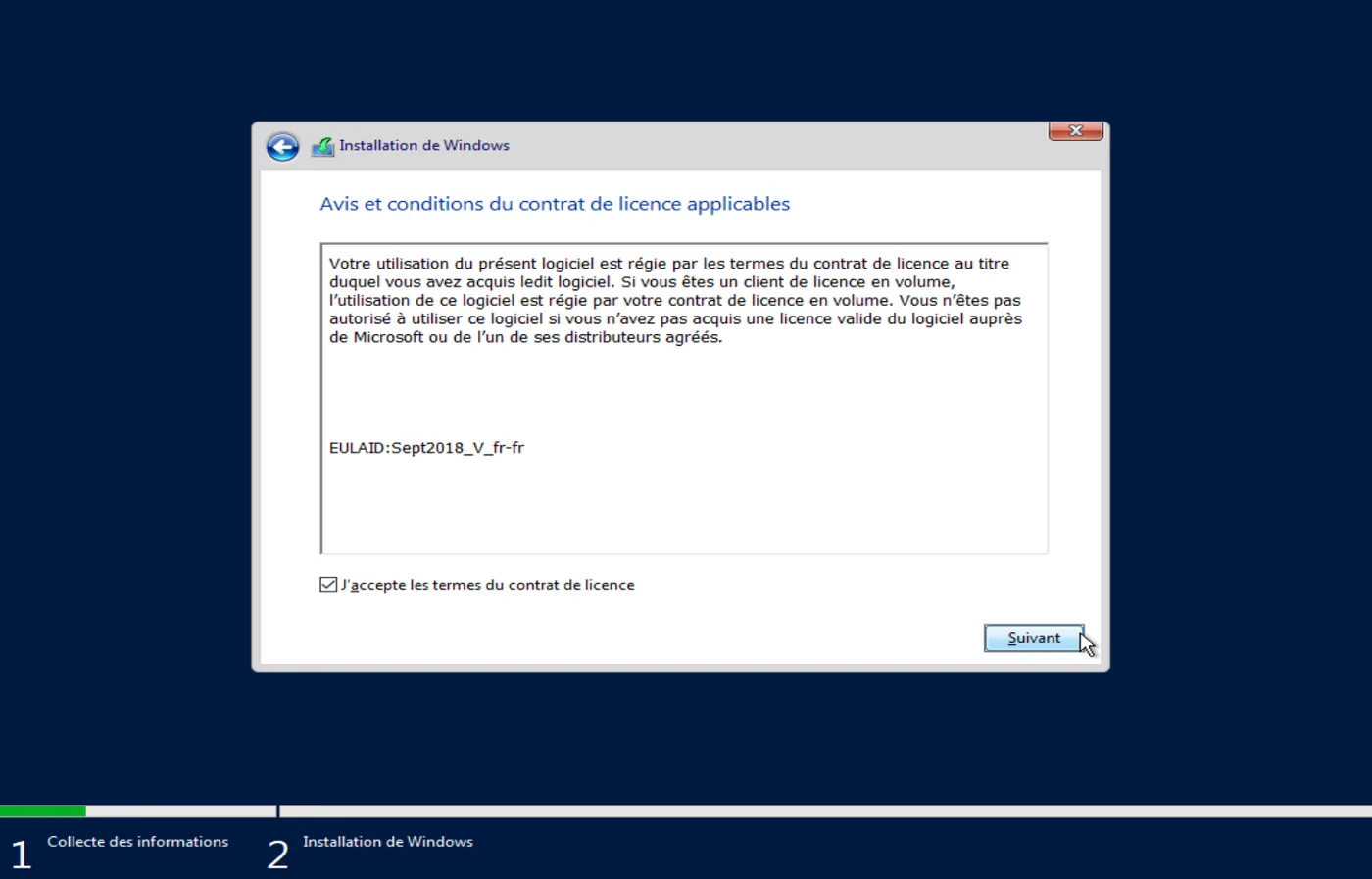
Accept the applicable license agreement terms to continue.
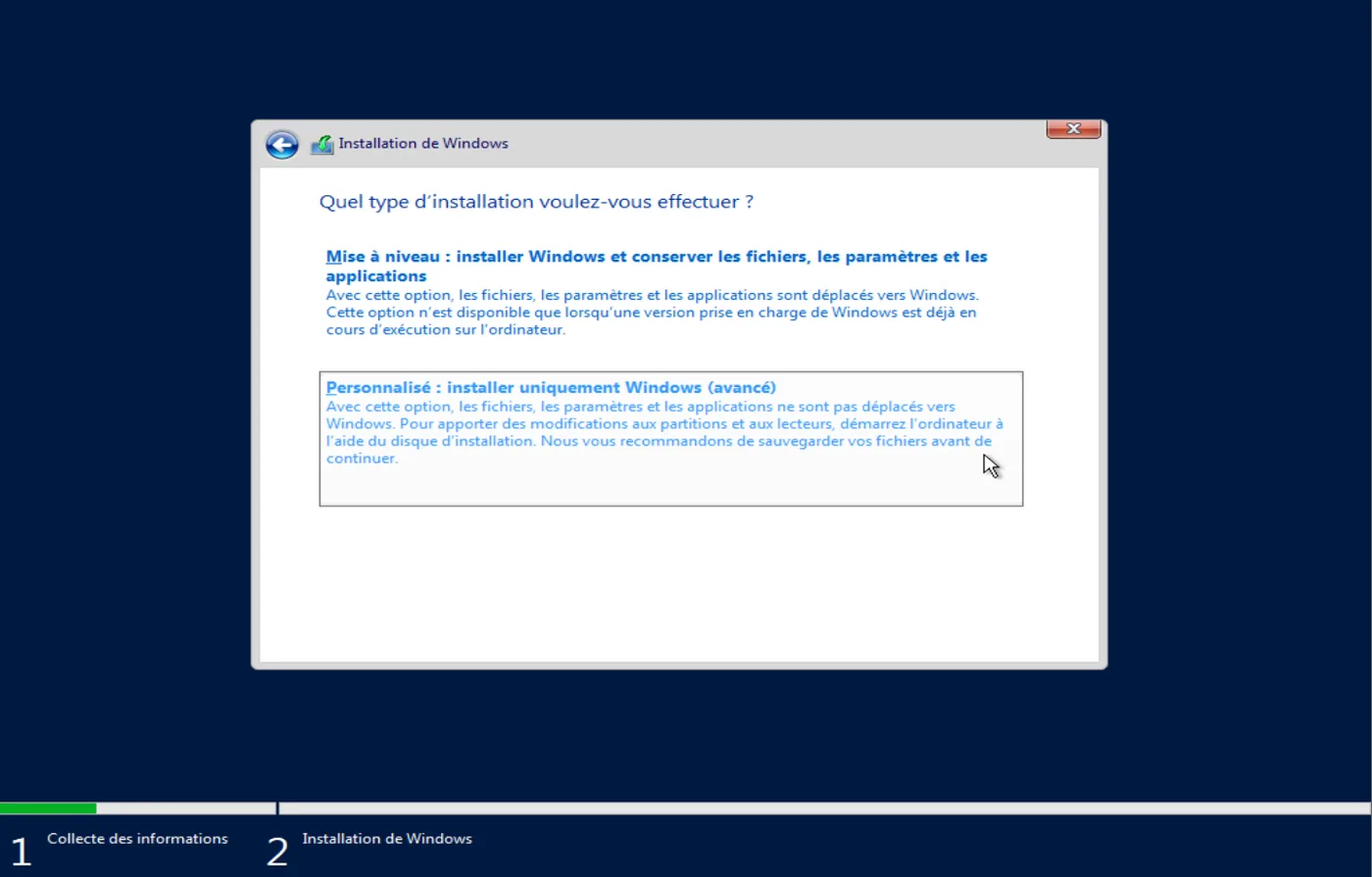
Select "Custom" to install Windows. The first option is an upgrade and is used when Windows is already installed on the machine.
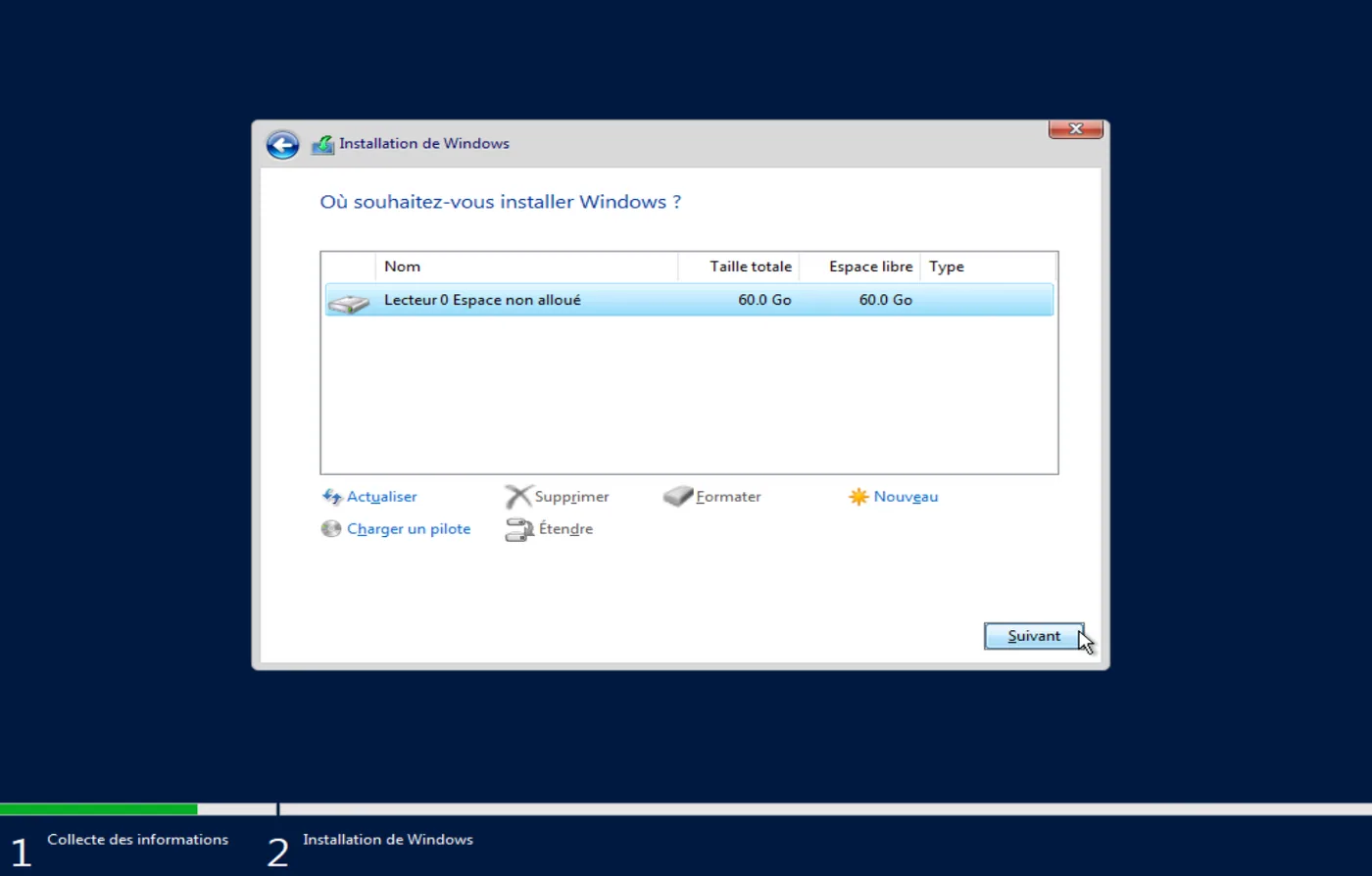
Choose the storage space on which you want to install the Windows system, then click Next to start the installation.
From this point on, the installation runs on its own and the system restarts automatically. You can then enter your password for the Administrator account.
Good luck with the next steps, and see you soon on Awoui!